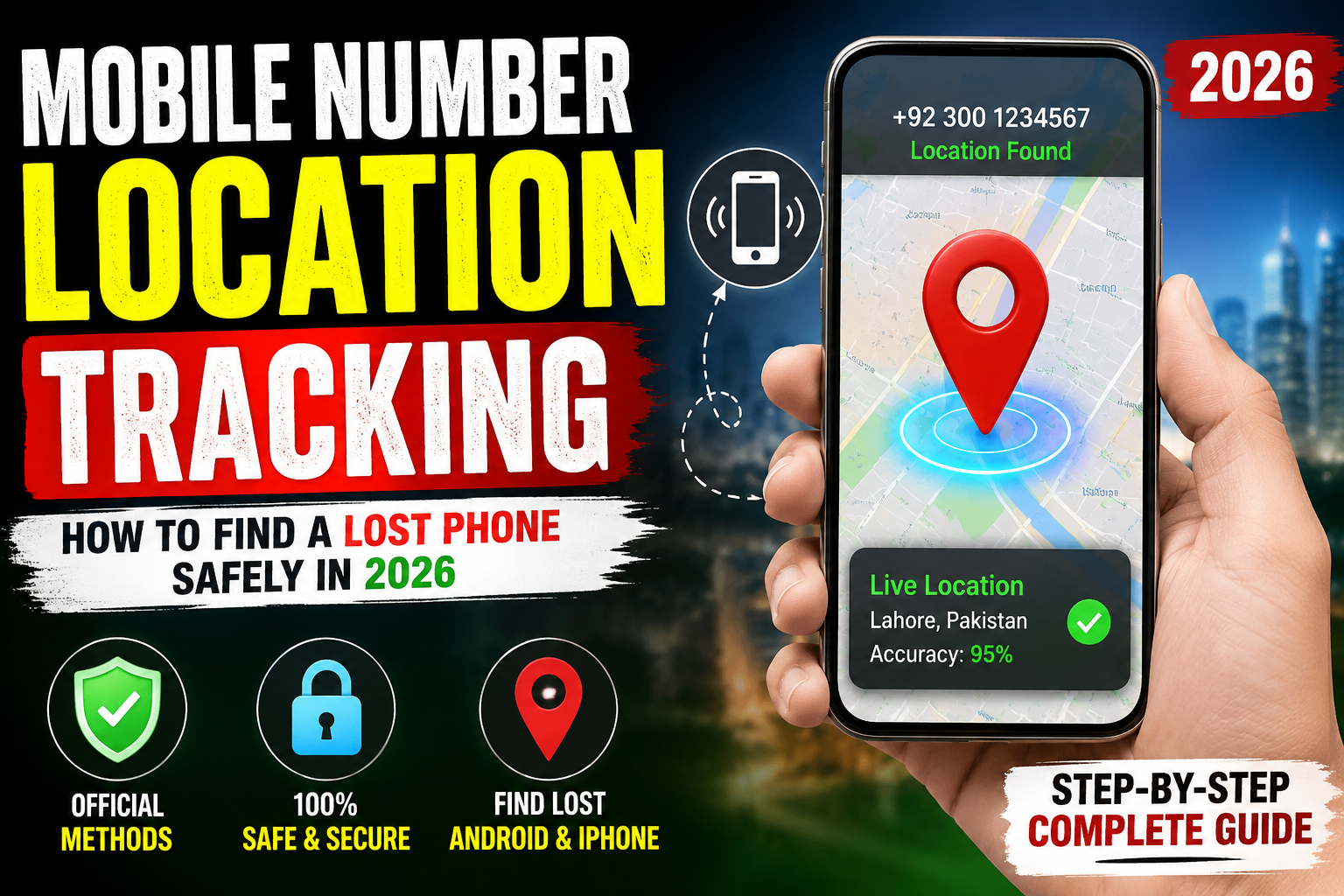
Mobile Number Location Tracking: What You Can Really Do in 2026
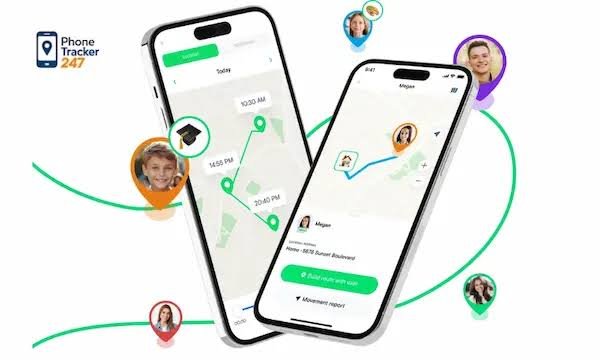
Mobile number location tracking is a topic that attracts a lot of attention, especially when a phone is lost, stolen, or when someone wants to know where a family member is. However, there is an important difference between tracking a phone number and locating a device. In 2026, modern smartphones provide several legitimate ways to locate a lost device, but simply entering any mobile number into a random website does not normally reveal someone’s live GPS location.
Can You Track a Mobile Number?
A phone number by itself generally isn’t a magic key that gives an ordinary person access to another person’s live location. A real location can involve GPS, Wi-Fi, Bluetooth, mobile networks, and information stored or processed by the device and service providers.
Many websites claim that you can enter a phone number and instantly see its exact location. Users should be careful with these services because some may only provide general information, request unnecessary personal details, or redirect visitors to advertisements and subscription pages.
For legitimate tracking, the safest approach is to use the phone’s built-in location services or an authorized location-sharing feature.
How Phone Location Actually Works
Modern smartphones can estimate their position using multiple technologies. GPS can provide highly precise positioning outdoors, while Wi-Fi and cellular networks can help estimate location when GPS signals are weak. Google explains that the location shown for a lost Android device can be estimated using sources such as GPS. (Google Help)
This means that “mobile number location” is often an oversimplified term. The number helps identify an account or device, but the actual location usually comes from the phone and its connected services.
For example, if your own Android phone is lost, Google’s current Find Hub can help you locate, lock, or erase the device. (Google)
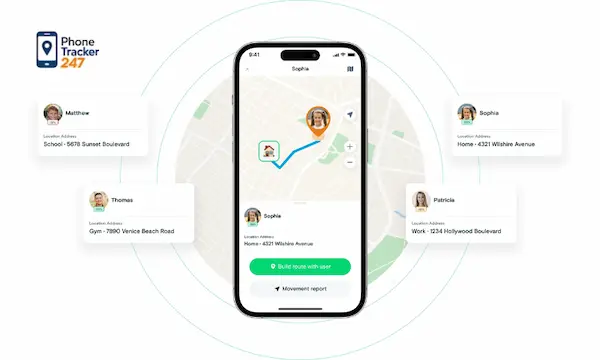
Finding a Lost Android Phone
If you have lost an Android phone, the first option to try is Google’s official device-finding system. Your device needs to have the appropriate account and location/finding features configured.
Google’s current guidance says Find Hub can be used to ring, locate, secure, and erase a lost Android device. (Google Help)
Once the device appears on the map, you may be able to see its approximate location and use navigation to reach it. Depending on the device and circumstances, available location information can vary.
This is much safer than entering your phone number into an unknown “live tracker” website.
Finding a Lost iPhone
iPhone users have a similar official option through Apple’s Find My service. Apple says you can use the Find My app or iCloud’s Find Devices service to locate a lost iPhone, iPad, Apple Watch, or Mac. (Apple Support)
If the iPhone has been lost or stolen, Apple also recommends using Lost Mode to protect personal information. You can remotely erase the device if necessary, although Apple warns that erasing is irreversible. (Apple Support)
The important point is that these systems are designed around your Apple Account and your device, rather than providing unrestricted tracking of another person’s phone number.
What About Tracking Someone Else?
Tracking another person’s location without their knowledge or permission raises serious privacy and legal concerns. Location information can reveal where someone lives, works, travels, and spends time.
For legitimate situations, use consent-based location sharing. For example, family members can voluntarily share their location through supported services. Apps should also request appropriate location permissions before accessing location data. Google’s guidance allows users to review which apps have access to device location. (Google Help)
The safest rule is simple: track your own devices or use location sharing with the other person’s knowledge and permission.
Beware of Fake Location Tracker Websites
One of the biggest problems surrounding mobile-number tracking is misinformation. A website may advertise “100% accurate live GPS tracking by phone number,” but the claim does not automatically mean the service can actually access a phone’s GPS.
Never provide sensitive information such as your Google password, Apple Account password, verification codes, banking information, or unnecessary personal details to an unknown tracking website.
Also be cautious about apps requesting location permissions when location isn’t necessary for their basic function. Privacy guidance recommends reviewing location permissions and only allowing access when appropriate. (California Attorney General)
Improve Your Phone’s Tracking Protection
If you want to be prepared for a lost phone, enable the official finding feature before the phone disappears. On Android, Google recommends checking that location and device-finding options are enabled. (Google Help)
On iPhone, Apple recommends turning on Find My before the device is lost. (Apple Support)
You should also protect your main account with a strong password and two-factor authentication. Regularly review which apps have location access and remove permissions that you don’t need.
Final Thoughts
Mobile number location tracking in 2026 is much more complicated than simply typing a number into a website. A phone’s actual location can involve GPS, Wi-Fi, Bluetooth, cellular networks, and account-based device-finding technologies.
If your phone is lost, use official tools such as Google Find Hub for Android or Apple Find My for iPhone. These services are specifically designed to help people locate and protect their own devices. (Google Help)
Most importantly, don’t trust websites that promise unrestricted live tracking of any person using only their phone number. Responsible location tracking should always prioritize accuracy, security, consent, and privacy.