Battery Booster: How to Improve Battery Life and Get Faster Charging on Android
Battery Booster: How to Improve Battery Life and Get Faster Charging on Android
Smartphones have become an essential part of our daily lives. From watching videos and browsing the internet to playing games and using social media, we depend on our phones throughout the day. However, one common problem most Android users experience is fast battery draining and slow charging.
A Battery Booster can help users understand battery usage, manage background apps, and improve overall battery performance. In this guide, we will explore how battery booster apps work, how to improve charging speed, and the best ways to maintain your smartphone battery.
What Is a Battery Booster?
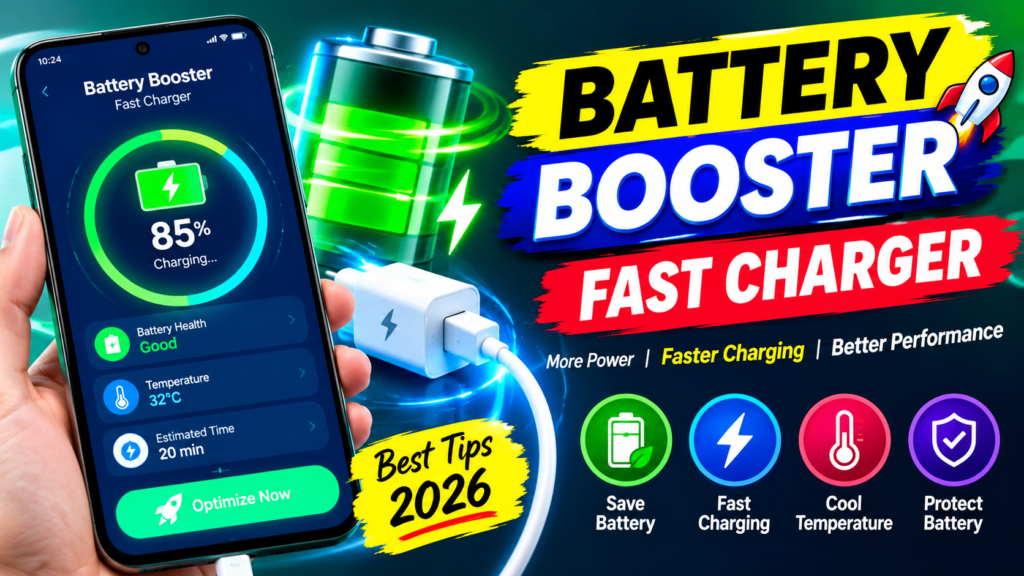
A Battery Booster is a mobile application or battery optimization feature designed to help users manage smartphone power consumption. These tools may identify apps running in the background, monitor battery usage, and provide recommendations to reduce unnecessary power consumption.
Some battery booster applications also include battery temperature monitoring, charging information, and power-saving features.
However, remember that an app cannot physically increase your battery’s original capacity. Its main purpose is to help you manage power more efficiently.
How Does a Battery Booster Work?
Battery optimization tools can help improve your smartphone experience through several features:
1. Background App Management
Some applications continue running in the background even when you are not using them. Managing unnecessary background activity can reduce battery consumption.
2. Battery Usage Monitoring
Battery monitoring tools show which applications consume the most power, helping users identify energy-hungry apps.
3. Power Saving Mode
Power-saving settings can reduce background activity, limit certain visual effects, and extend battery life.
4. Temperature Monitoring
Excessive heat can affect battery health. Monitoring temperature can help users identify conditions that may cause overheating.
5. Screen Brightness Optimization
Reducing screen brightness and shortening screen timeout can help save battery power.
Best Ways to Make Your Android Battery Last Longer
You do not always need an additional application to improve battery performance. Try these simple tips:
- Reduce screen brightness when possible.
- Enable Android Battery Saver mode.
- Turn off Bluetooth and GPS when not needed.
- Restrict unnecessary background app activity.
- Use Wi-Fi when it is more power-efficient than mobile data.
- Keep your Android operating system updated.
- Avoid exposing your smartphone to extreme heat.
- Use a compatible and certified charger.
How to Improve Mobile Charging Speed
If your phone charges slowly, consider the following recommendations:
- Use the original or manufacturer-recommended charger.
- Check your charging cable for damage.
- Keep the charging port clean and dry.
- Avoid playing heavy games while charging.
- Close power-intensive applications.
- Keep your device in a cool, ventilated place.
Fast charging depends on your phone’s supported charging technology, charger, cable, and battery condition. A third-party booster app cannot unlock unsupported hardware charging speeds.
Are Battery Booster Apps Safe?
Not every battery booster application is reliable. Some apps display excessive advertisements or request unnecessary permissions.
Before installing any battery optimization application, check its developer, reviews, permissions, and privacy policy. Avoid apps that promise unrealistic results, such as doubling battery capacity or repairing a damaged battery instantly.
Final Thoughts
A Battery Booster can be useful for monitoring power consumption and managing background applications, but good charging habits and Android’s built-in battery settings are often more important.
If your smartphone battery drains quickly, becomes unusually hot, or charges very slowly, check its battery health and charging accessories. Following the right optimization methods can help you enjoy a better smartphone experience and maintain battery performance for longer.